- The workday rhythm loop — sit, stand, and move prompts at your cadence
- Quiet transition prompts on the lock screen and in the Dynamic Island
- Walking-pad sessions, with a calibrated step estimate written to Apple Health
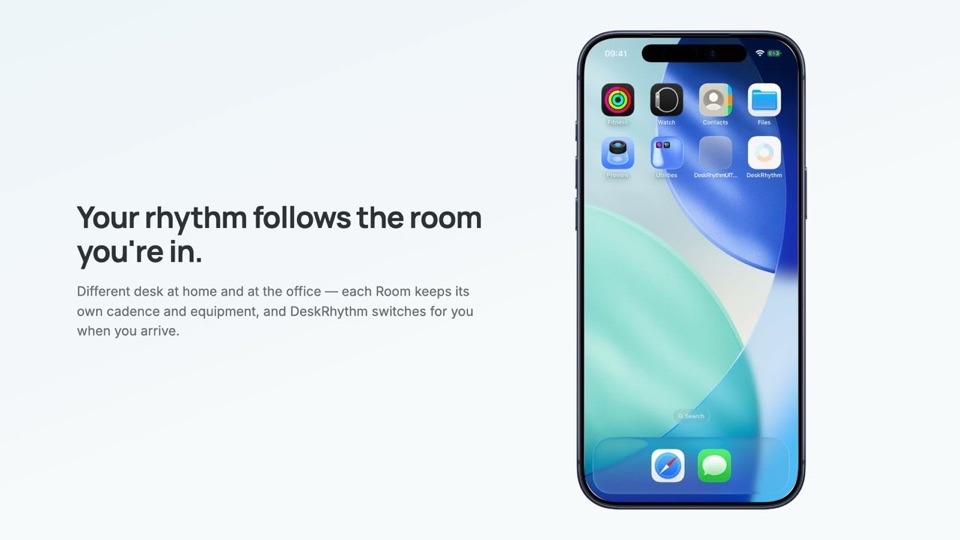
- Switch Rooms by location, automatically — optional, on-device
- iCloud sync across your Apple devices, with on-device history and trends
Coming soon
DeskRhythm for iPhone
Get your walking-pad steps into Apple Health — no Watch needed. If your walking pad has no Apple integration and you don't wear a Watch, the steps you take at your desk never reach Health. DeskRhythm fills that gap: when a walking-pad session ends, it writes a walking workout and a calibrated step estimate to Apple Health.
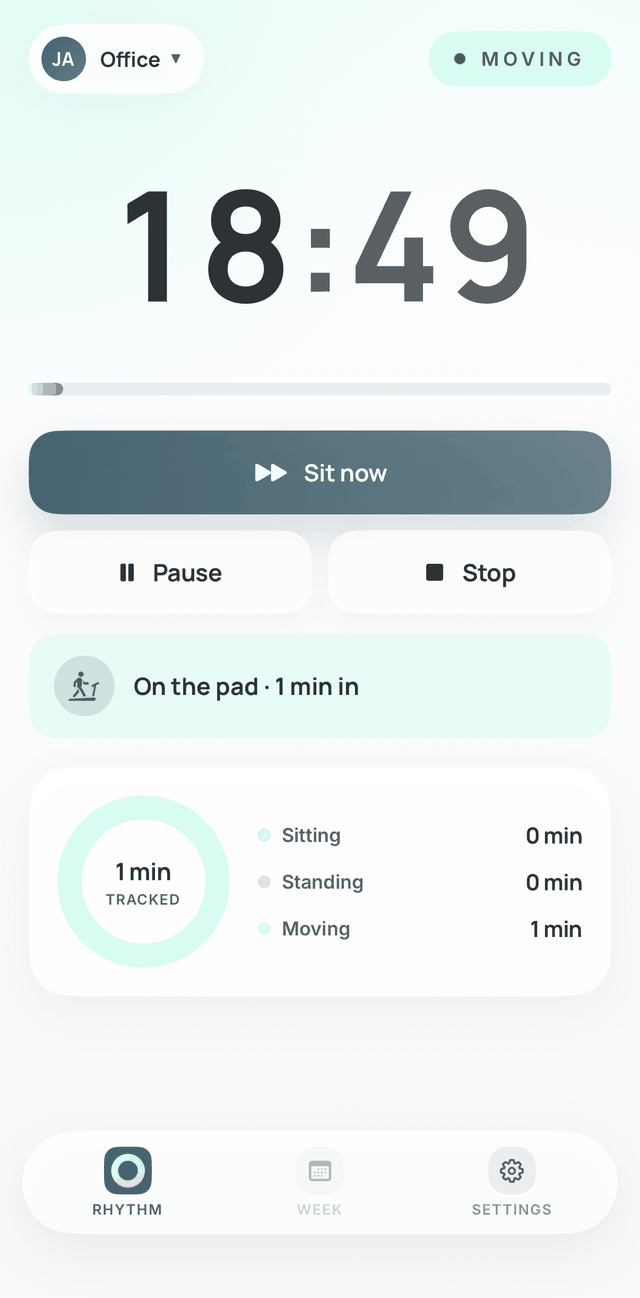
It's the same workday rhythm, now native on iPhone — a calm balance of sitting, standing, and moving, with a quiet prompt at each transition. Not a tracker, not a streak to keep; just your day, in rhythm.
DeskRhythm for iPhone is coming to the App Store. This is a first look while we finish it.
Now in open beta
Join the iOS betaAn early build on TestFlight. No account, no ads — the same calm rhythm.
See it in motion
DeskRhythm for iPhone — now in public beta
On iPhone, DeskRhythm steps off the browser tab — the day's rhythm arrives as notifications, you act from the lock screen, and a walking-pad session comes with you.
The web app is still the live product; the iPhone app is in beta — it works, but it has rough edges, and your feedback shapes what 1.0 becomes.
What iPhone adds over the web
- A quiet prompt at each transition On the lock screen and in the Dynamic Island — no tab to keep open; the rhythm follows you through the day.
- Walking-pad steps in Apple Health — no Watch needed When a session ends, DeskRhythm writes a walking workout and a calibrated step estimate to Apple Health, for pads with no Apple integration.
- Your rhythm across your Apple devices History syncs through your own iCloud, so the day looks the same on iPhone and iPad.
- The public App Store release (1.0)
On iPhone, your DeskRhythm history is stored on your device — not on DeskRhythm's servers.
Email feedback
No mail app set up? Copy the address and send from any mail account: [email protected]